

-
|
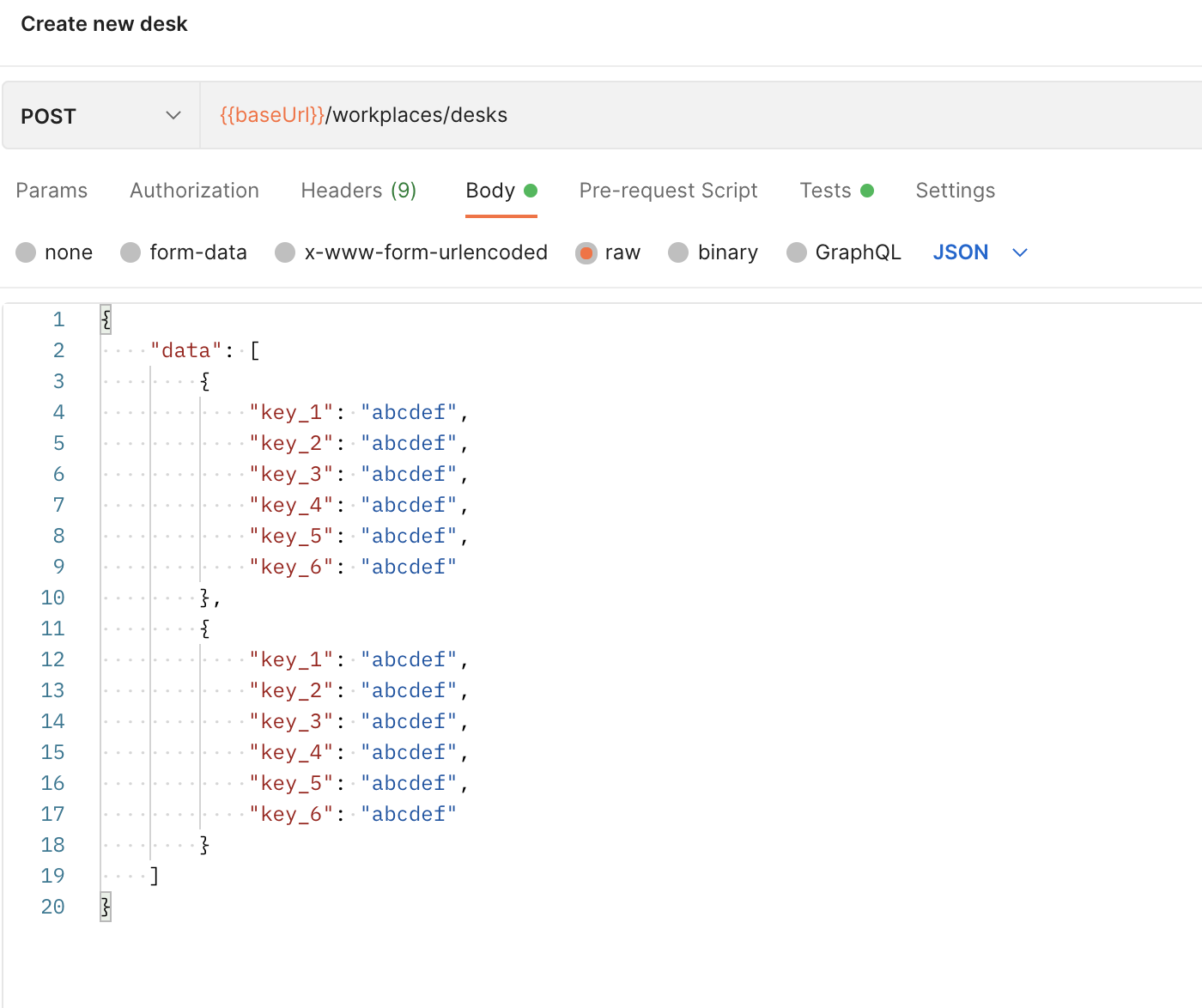
The OpenAPI conversion seems to generate a request body with 2 items? How to overwrite certain elements in the array? Example OpenAPI: openapi: 3.0.3
info:
version: "1"
title: 282-Workspace Desks
contact: {}
paths:
/workplaces/desks:
post:
operationId: CreateDesks
summary: Create new desk
description: Create a new desk not assigned to a specific user
tags:
- Desks
requestBody:
content:
application/json:
schema:
$ref: "#/components/schemas/CreateDeskDetail"
required: true
responses:
"201":
description: "Created"
components:
schemas:
CreateDeskDetail:
properties:
data:
type: array
items:
type: object
properties:
key_1:
type: string
example: abcdef
key_2:
type: string
example: abcdef
key_3:
type: string
example: abcdef
key_4:
type: string
example: abcdef
key_5:
type: string
example: abcdef
key_6:
type: string
example: abcdef
Which results in Postman in: How can I overwrite the |
Beta Was this translation helpful? Give feedback.
Replies: 2 comments
-
|
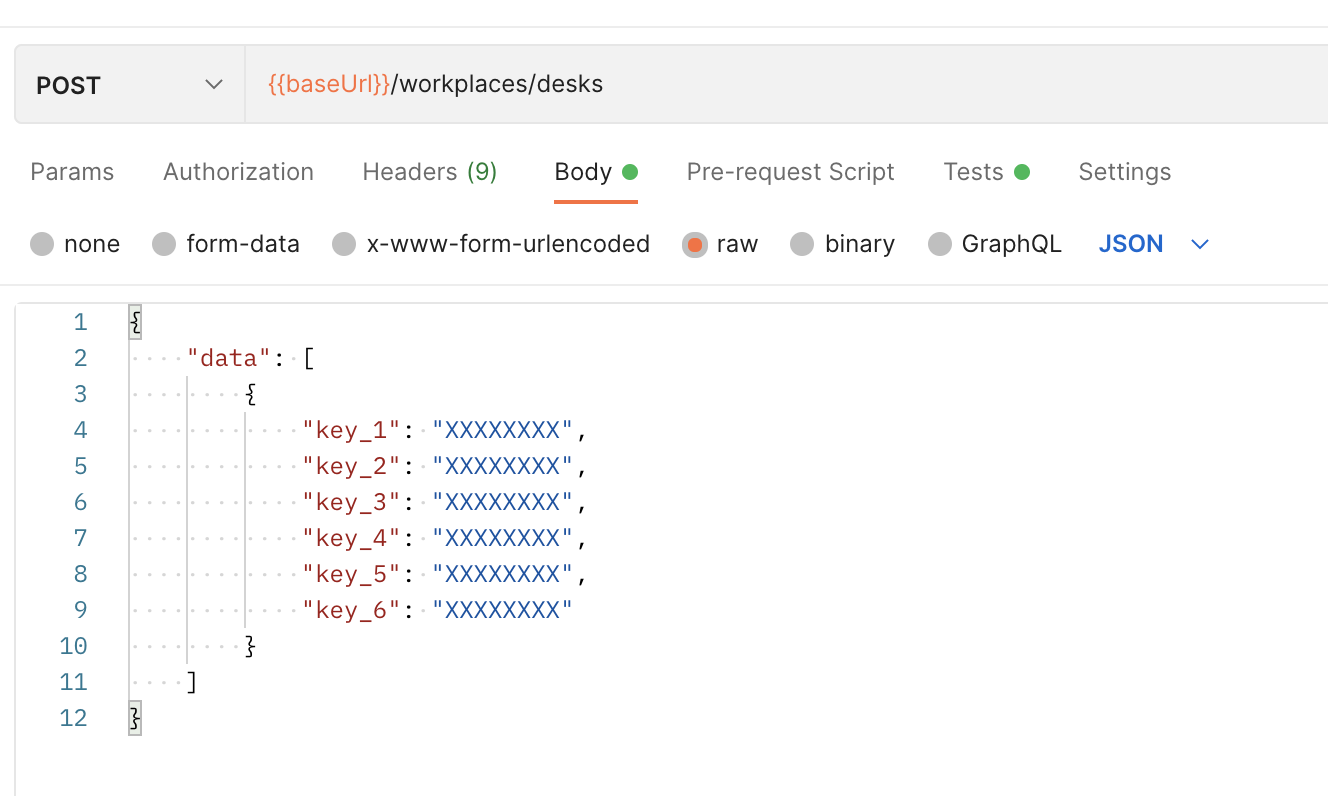
Portman uses the openapi-to-postman package to handle the conversion from OpenAPI to Postman. So there are a number of options to overcome this behaviour: 1. Define a maxItems for your arrayIf you'd like to define a custom number of elements in the generated array, you can mention the requestBody:
content:
application/json:
schema:
description: The payload for sending a e-mail messages in bulk.
type: array
items:
$ref: '#/components/schemas/itemObject'
maxItems: 12. Use an
|
Beta Was this translation helpful? Give feedback.

-
|
I had tried this solution, but I hadn't removed the "value" variable... I confirm that it works without Thank you! |
Beta Was this translation helpful? Give feedback.


Portman uses the openapi-to-postman package to handle the conversion from OpenAPI to Postman.
One of the side effects the package has, is that it when there is OpenAPI property with type array, the generated data will have 2 elements which is valid according to the schema. See postmanlabs/openapi-to-postman#410 for more details.
So there are a number of options to overcome this behaviour:
1. Define a maxItems for your array
If you'd like to define a custom number of elements in the generated array, you can mention the
minItemsandmaxItemsfields according to your requirements. i.e. following will generate only one element in the array.