Column filtering does not work #878


-
|
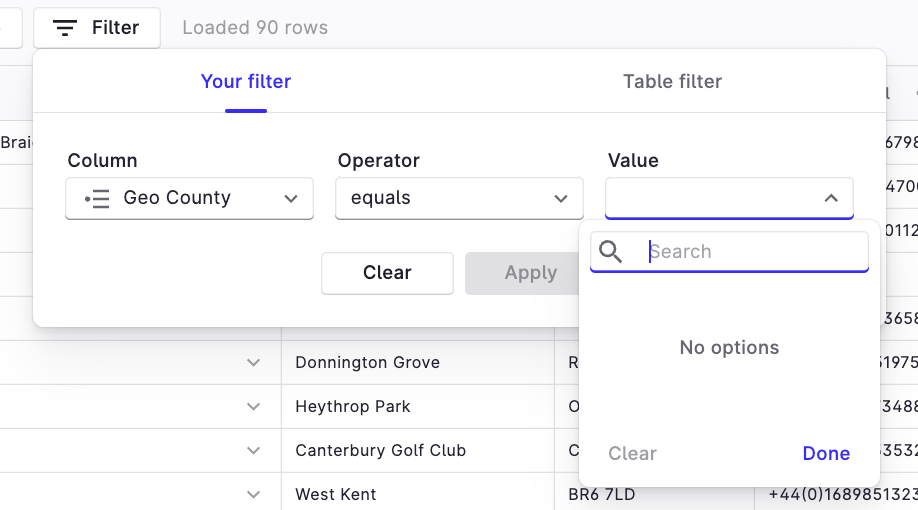
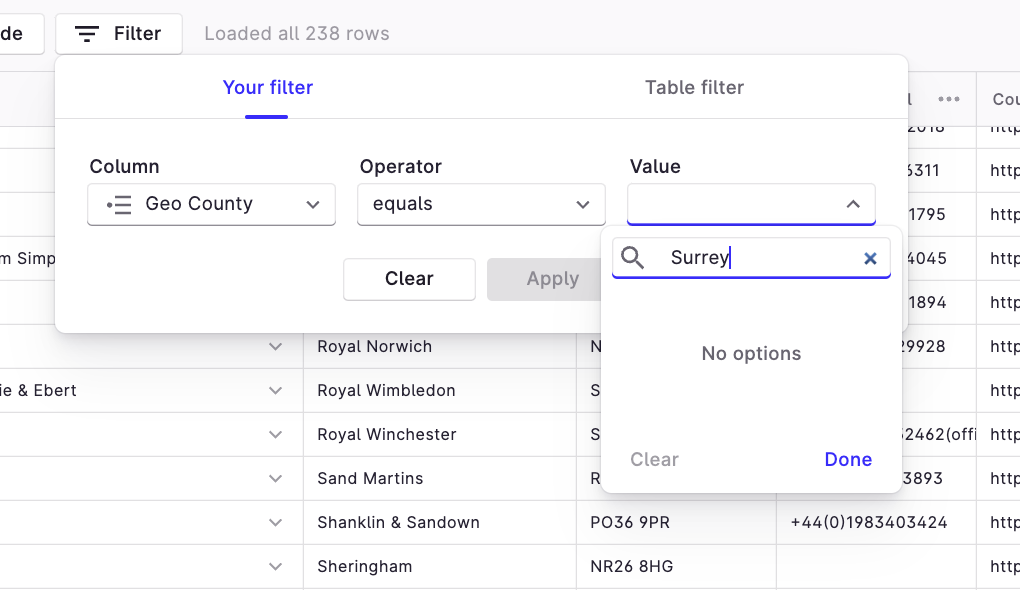
When applying a filter should the Value column contain a list of the available values or should it be blank? I would assume it would contain the values but it does not. See pic. Furthermore, if one types in a valley eg. "Surrey" the "Apply" button is greyed out. Why is that? This is true on Your Filter and Table Filter modes therefore do not function for me. |
Beta Was this translation helpful? Give feedback.
Replies: 2 comments

-
|
I encountered the same issue. |
Beta Was this translation helpful? Give feedback.

-
|
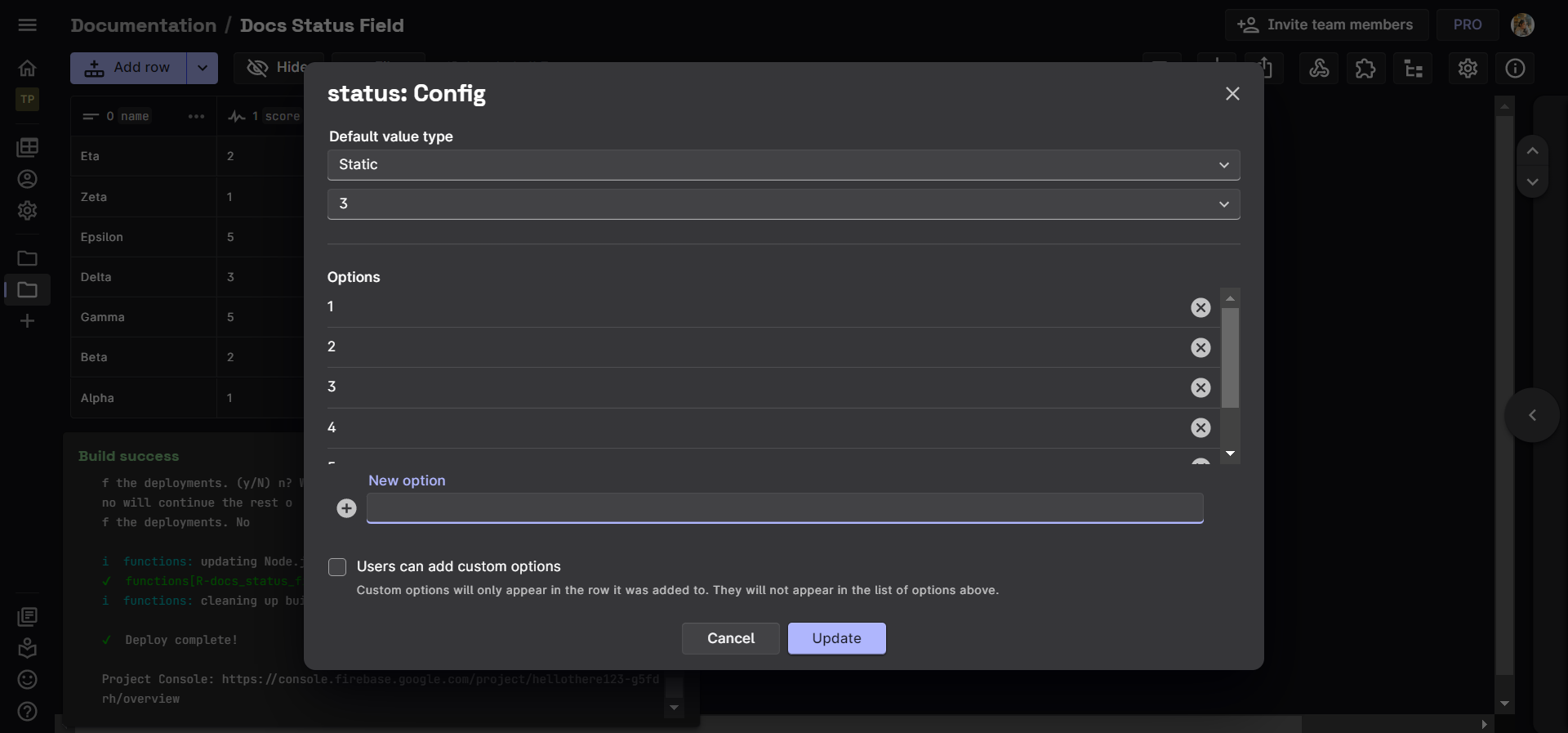
Hi @jonathanmotif, @aayaffe. While creating a Single Select type column, make sure to enlist the values to be provided as options. Thereafter, you can select these options from the filter without having to type in the values yourself. If you haven't provided options while configuring the column, that explains the apply button turning grey.
|
Beta Was this translation helpful? Give feedback.


Hi @jonathanmotif, @aayaffe. While creating a Single Select type column, make sure to enlist the values to be provided as options. Thereafter, you can select these options from the filter without having to type in the values yourself. If you haven't provided options while configuring the column, that explains the apply button turning grey.